The Real Cost of AI Video
Same AI models. Wildly different pricing.
Traditional Platforms
Runway, Synthesia, Pika, etc.
$120+ for 100 clips
Based on standard credit costs ($0.25/sec)
Vendor lock-in
Stuck with their proprietary models
Black box pricing
No visibility into actual compute costs
Credits expire
Use it or lose it, no refunds
Actual API cost: ~$35
AutoVids BYOK
Bring Your Own Keys
$10/month platform fee
+ pay Google/OpenAI API costs directly
Switch models anytime
Veo, Sora, Runway—your choice
Real-time cost visibility
See exact API costs in your account
Pay per successful render
No credits, no expiration
Example: 100 clips = $10 + ~$35 API
From Idea to Publishedin Minutes, Not Hours
Other tools give you clips. AutoVids gives you a complete video production pipeline.
Describe Your Idea
Tell us what video you want to create in plain English.
30 secondsAI Writes Your Script
Our AI breaks your idea into scenes with optimized prompts.
InstantGenerate All Clips
Batch generate every scene with consistent characters.
2-5 minutesReview & Iterate
Regenerate only the clips you don't like. Keep the rest.
Your paceStitch & Publish
Auto-stitch into final video. Publish directly to YouTube.
1 clickDescribe Your Idea
Tell us what video you want to create in plain English.
30 secondsAI Writes Your Script
Our AI breaks your idea into scenes with optimized prompts.
InstantGenerate All Clips
Batch generate every scene with consistent characters.
2-5 minutesReview & Iterate
Regenerate only the clips you don't like. Keep the rest.
Your paceStitch & Publish
Auto-stitch into final video. Publish directly to YouTube.
1 clickYour Creative Command Center
The Canvas gives you full control over every clip. Review, regenerate, reorder, and publish — all in one interface.
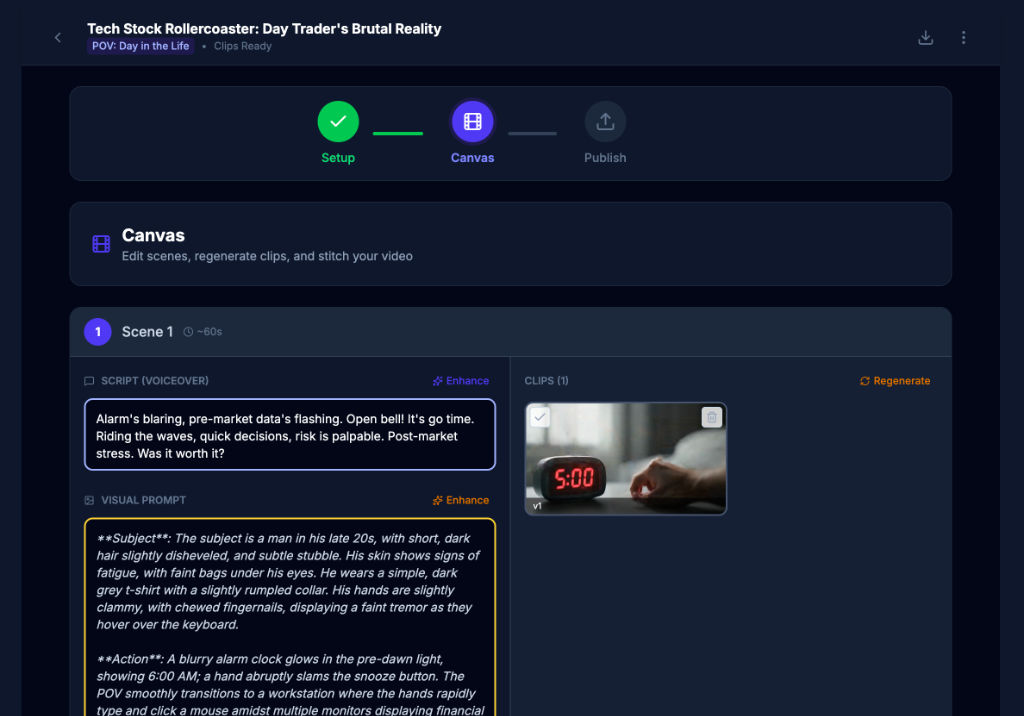
Without AutoVids
The manual grind
- •Write prompts for each scene manually
- •Generate clips one by one
- •Download each clip separately
- •Open video editing software
- •Manually stitch clips together
- •Export and upload to YouTube
With AutoVids
The Canvas workflow
- Describe your video in one sentence
- AI generates script + all clips in parallel
- Review, iterate only what needs fixing
- One-click stitch to final video
- Publish directly to YouTube
Stop switching between 5 different tools. Do it all in one place.
Your Characters Stay Consistent.
Every Single Scene.
Upload reference images once. Get the same character across all clips.
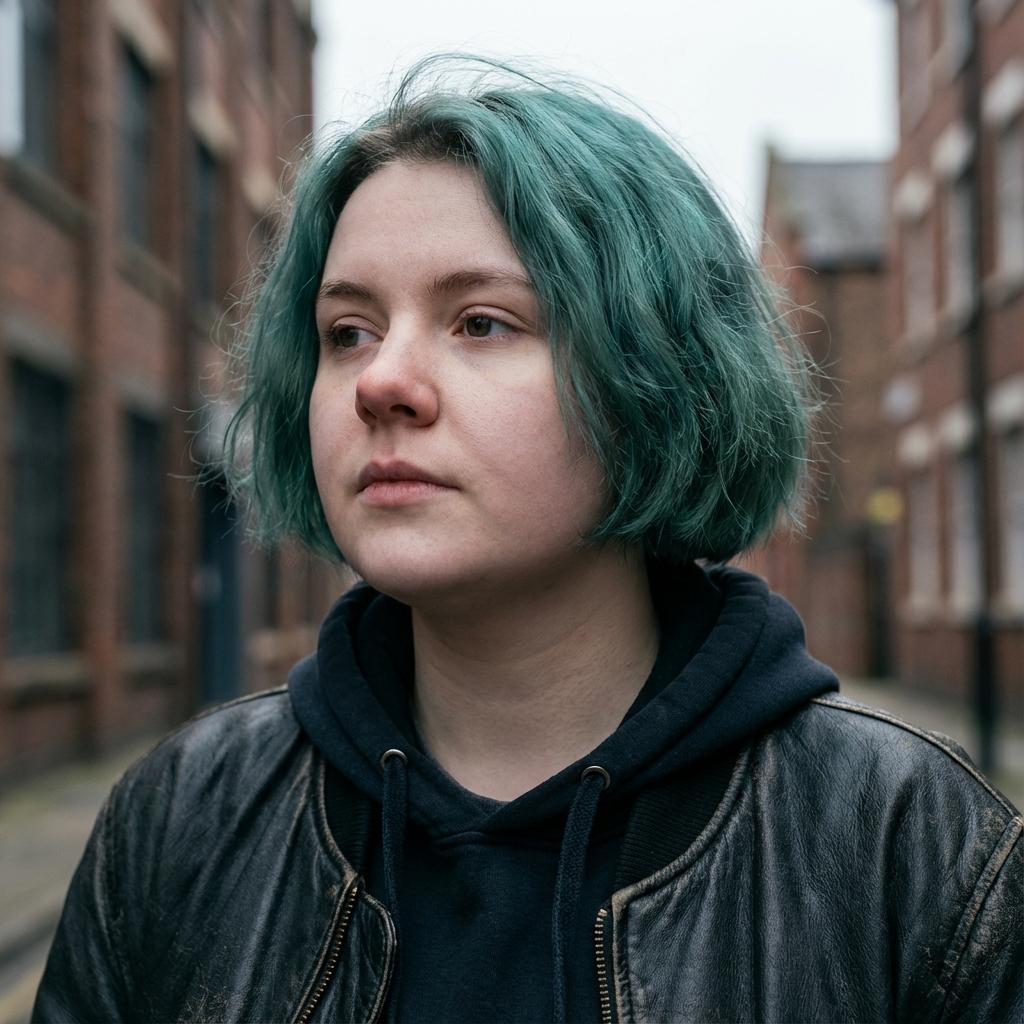
Identity Shift
Different facial structure
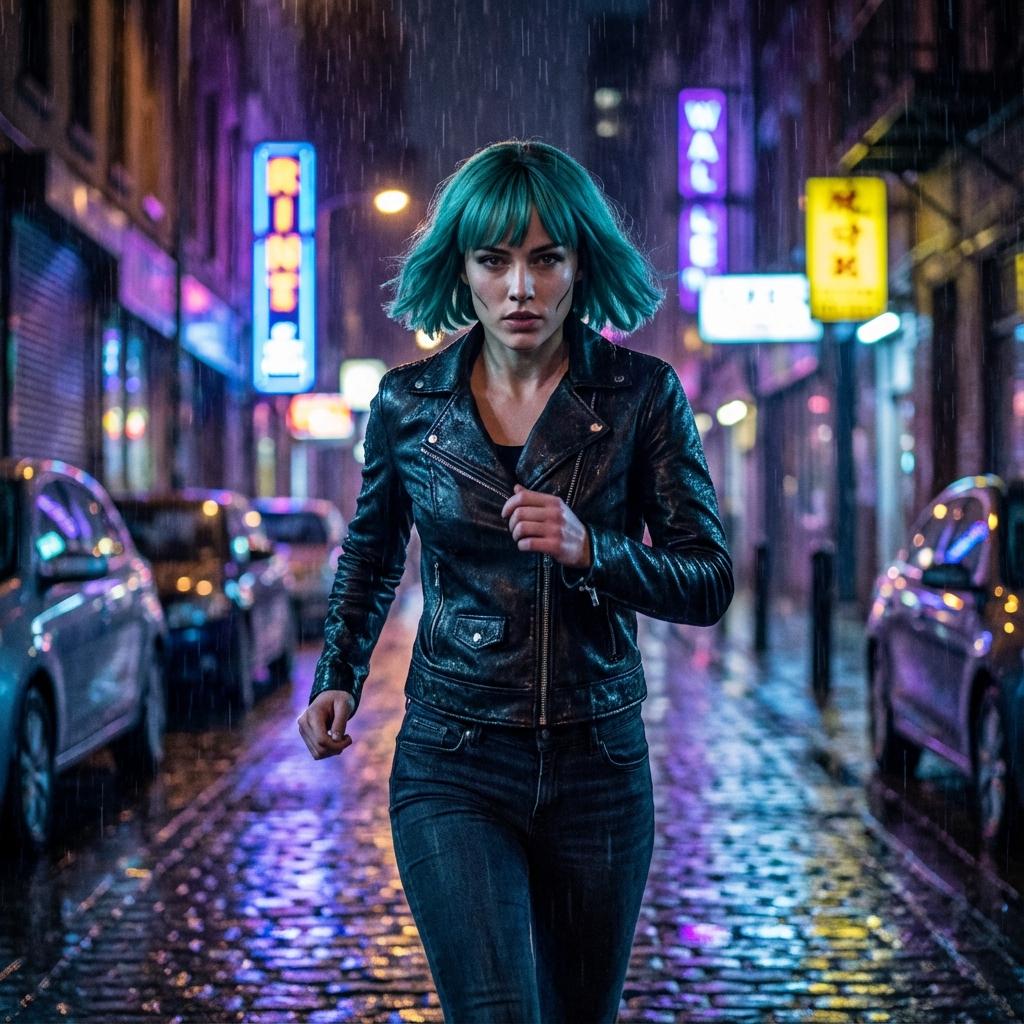
Style Drift
Inconsistent hair & jawline

Age/Detail Shift
Failed character coherence
Each scene generates a different-looking character
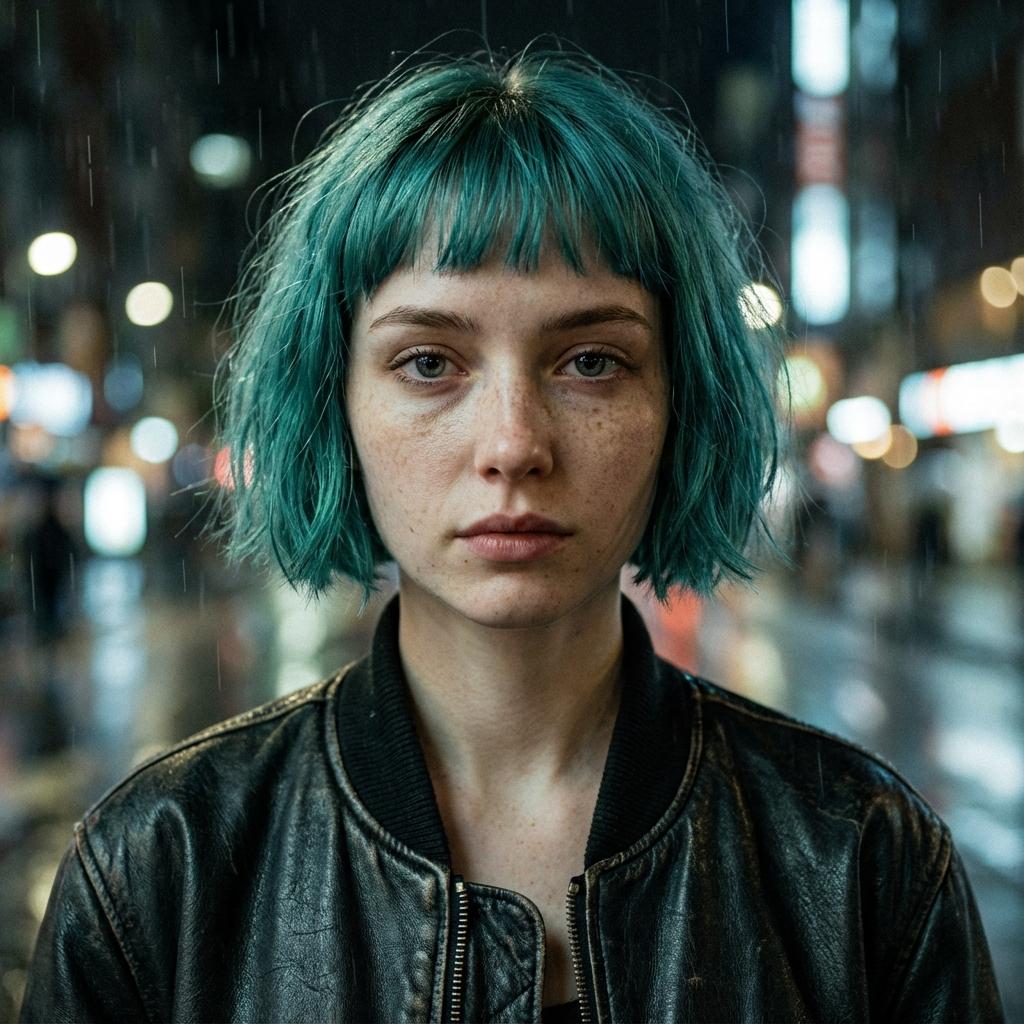
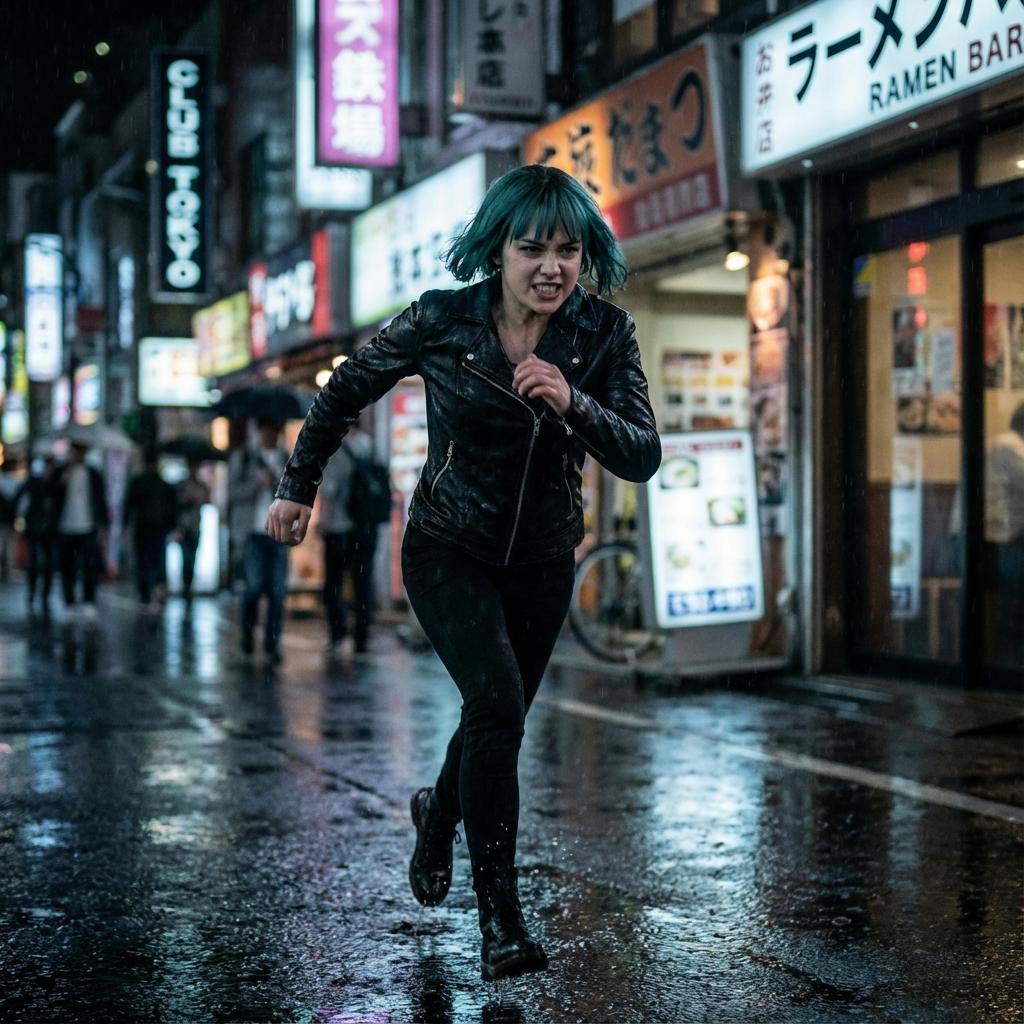

Perfect character consistency across all scenes
Enterprise-Grade Features.
No Enterprise Pricing.
Professional video workflows. Character consistency. Direct publishing.
All powered by your own API keys.
Smart Templates
Pick a genre. Start creating.


Bring Your Own Keys
Pay raw API cost.
Automated Pipelines
Script to published AI generated video in one run.
Model Agnostic
Switch AI engines.
Production Ready
Cinema-quality outputs generated purely from code and prompts.
The Future of Compute
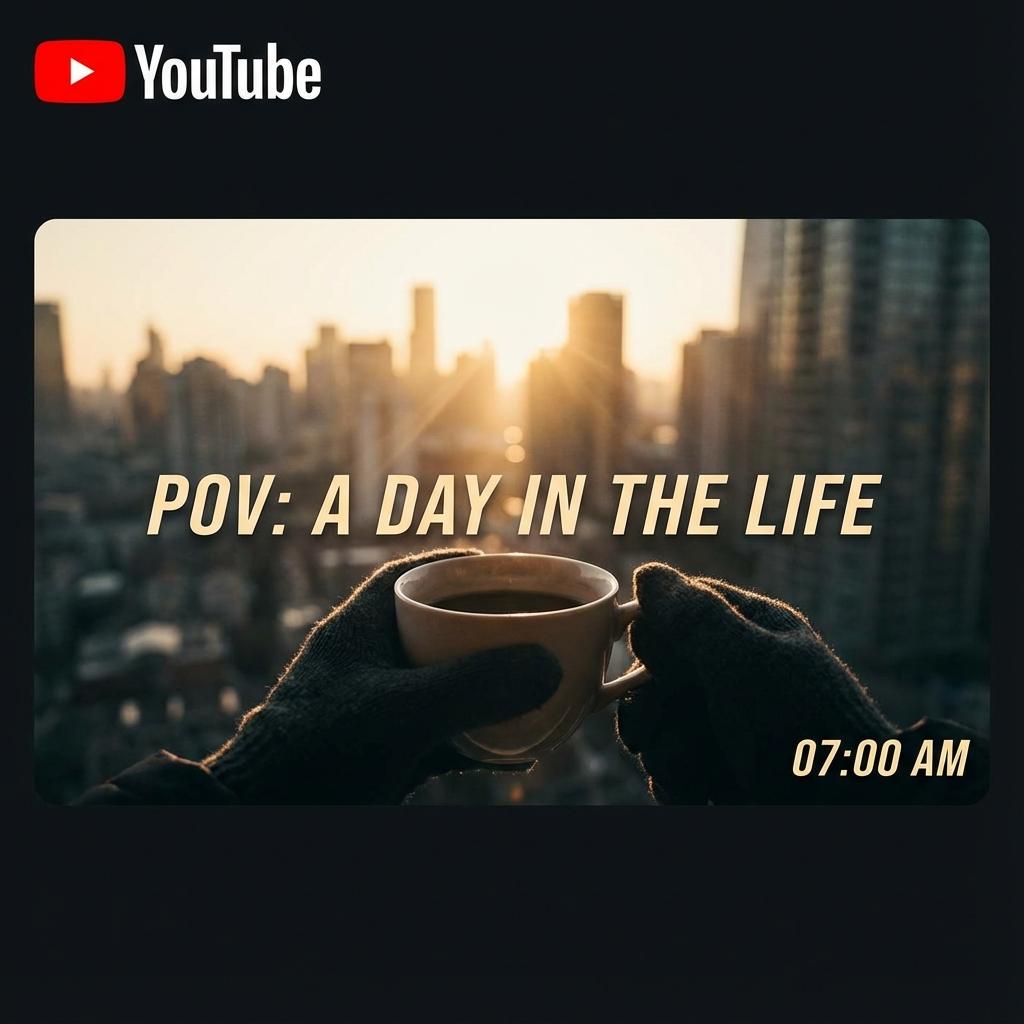
Neon Tokyo Nights
Orchestrator,not just a wrapper.
We provide the professional workflow tools handling consistency, editing, and project management. You pay providers directly for the raw compute.
Pro Orchestrator
Cancel anytime
Frequently Asked Questions
BYOK stands for 'Bring Your Own Keys'. Instead of us charging you a markup on every video generation credit, you simply input your own API keys from Google (Vertex AI) or OpenAI. You pay them directly at cost, which is often 90% cheaper than credit-based SaaS tools.
Yes. Your keys are encrypted at rest using industry-standard AES-256 encryption and are never shared or shown to anyone. They are strictly used to authenticate requests to AI providers on your behalf.
We currently support Google's Veo (Video generation), Gemini 1.5 Pro (Scripting & Vision), and are rolling out support for OpenAI's GPT-4o and Sora (when available).
Currently, Character Consistency is powered exclusively by Google's Veo 3.1 model, which supports reference image inputs to maintain character identity across shots. As other models add this capability, we will support them too.
No! Since you provide the API keys, AutoVids doesn't limit your generation. You can create as many projects as your API quotas allow.
Yes, you can cancel your $10/month subscription at any time from your dashboard. You'll retain access until the end of your billing period.